Social Media Privacy for Truck Drivers: Share the Journey Safely
Life on the road gives truck drivers plenty to share: a memorable sunrise, an interesting town, a useful parking tip, or a small victory after a difficult delivery. Social media can keep that experience connected to friends and family. The problem begins when a harmless post also reveals an active load, a predictable routine, or information belonging to a customer. A practical privacy routine lets drivers keep the social part without publishing a running map of their work and personal lives.
Decide who each account is for
An account used for close friends has different needs from a public page about trucking. Start by choosing the audience rather than accepting the application's default settings. Review who can see posts, stories, follower lists, contact details, and tagged pictures. A public professional account can share general experiences while a smaller private account handles personal conversations. Keeping those purposes separate reduces the temptation to reveal detailed trip information simply because most followers seem familiar.
Privacy settings help manage an audience, but they cannot guarantee that a post stays within it. Someone can copy an image, forward a message, or quote a private conversation elsewhere. The FTC's guidance on sharing and privacy online explains why users should consider what a post reveals and review location settings. For a driver, the practical question is simple: would this information still be comfortable to publish if it reached a stranger, a customer, or someone planning to misuse it?
Share the experience after leaving the location
A photograph of a scenic rest area does not need to announce that the truck is parked there right now. Delaying a public post can reduce the link between the image and the driver's current position. The same principle applies to a favorite overnight stop or a regular delivery schedule. A collection of small updates may reveal a pattern even when no single post seems especially sensitive. Think about the combined picture your recent posts create rather than reviewing each image in isolation.
Avoid announcing that a loaded trailer will remain unattended or describing precisely when a driver will leave it. Do not publish a live cargo route, warehouse arrival code, or scheduled customer stop. Friends who need to know where you are can use a private, agreed communication channel. Even then, limit access to people you actually trust and review who still has access over time. An old contact should not automatically retain live location access because it was convenient during one trip.
Look at the background before posting a photo
The main subject is not always the most revealing part of a picture. A bill of lading on the dashboard, an appointment screen, a badge, a reflected phone display, or a gate code on a wall may be readable after someone zooms in. Trailer markings and nearby signs can identify a customer or a location. Review the whole image at full size, including reflective surfaces and background paperwork, before uploading it. Cropping a picture thoughtfully is often better than trying to hide details after it has already been shared.
Respect the people in the frame as well. Ask before posting a recognizable coworker or customer employee, and follow the facility's photography policy. A warehouse may restrict pictures for reasons that are not obvious from the loading area. Do not film loading operations or security arrangements merely because the camera is available. A strong public trucking account can use landscapes, general observations, and staged explanations away from sensitive work without exposing other people's information.
Review location access on the phone
Some applications request precise location for a useful feature, while others do not need it for the task you use them for. Review app permissions individually and consider whether location should be available only during use. Check camera settings and how the phone handles location information attached to photographs. Social networks differ in what they preserve or display, so do not assume that one platform's behavior applies to every upload or shared file. Learn the current settings on your own device.
Also review features that add a place name or check-in automatically. A familiar sticker or suggested location may reveal more than the caption itself. Turn off unnecessary sharing features and recheck them after a major app update or a phone replacement. Privacy is easier to maintain as a short recurring review than as an emergency cleanup after an unwanted audience appears. Keep the settings understandable enough that you can explain what each application is allowed to access.
Protect account access before it becomes a problem
Use a unique password or an available passkey rather than reusing credentials from shopping, email, or an old forum. Enable the account's strongest practical authentication option and keep recovery information current. Your email account deserves particular attention because it may control password resets for several other services. Save recovery codes somewhere secure and accessible through your chosen recovery process. A locked account during a trip is inconvenient, but a stolen account can expose conversations and impersonate the driver.
The FTC guidance on two-factor authentication explains how a second factor helps protect an account when a password is compromised. Treat unexpected sign-in prompts and requests for verification codes cautiously. Do not approve a login merely because a message claims a carrier, social platform, or brand partnership needs it. Open the official app directly when checking account alerts, and verify unfamiliar requests through a contact method you already know.
Be selective about messages and offers
Public accounts attract more than ordinary followers. A driver may receive recruitment messages, product offers, requests for route information, or invitations to move a conversation to another service. Evaluate the request before responding with personal details. A convincing profile picture and a familiar company logo are not verification. If a supposed employer or sponsor needs documents, confirm the organization and use its established process instead of sending identification through an unsolicited direct message.
Be cautious about posts that ask drivers to share their regular parking locations, home terminal schedules, or the type of valuable freight they haul. A discussion can sound friendly while collecting information that should remain private. Contribute useful general experience without publishing the details of a current assignment. If a conversation becomes intrusive, stop responding, use the platform's blocking or reporting tools, and preserve relevant evidence if the situation requires a report to the carrier or authorities.
Keep posting separate from driving
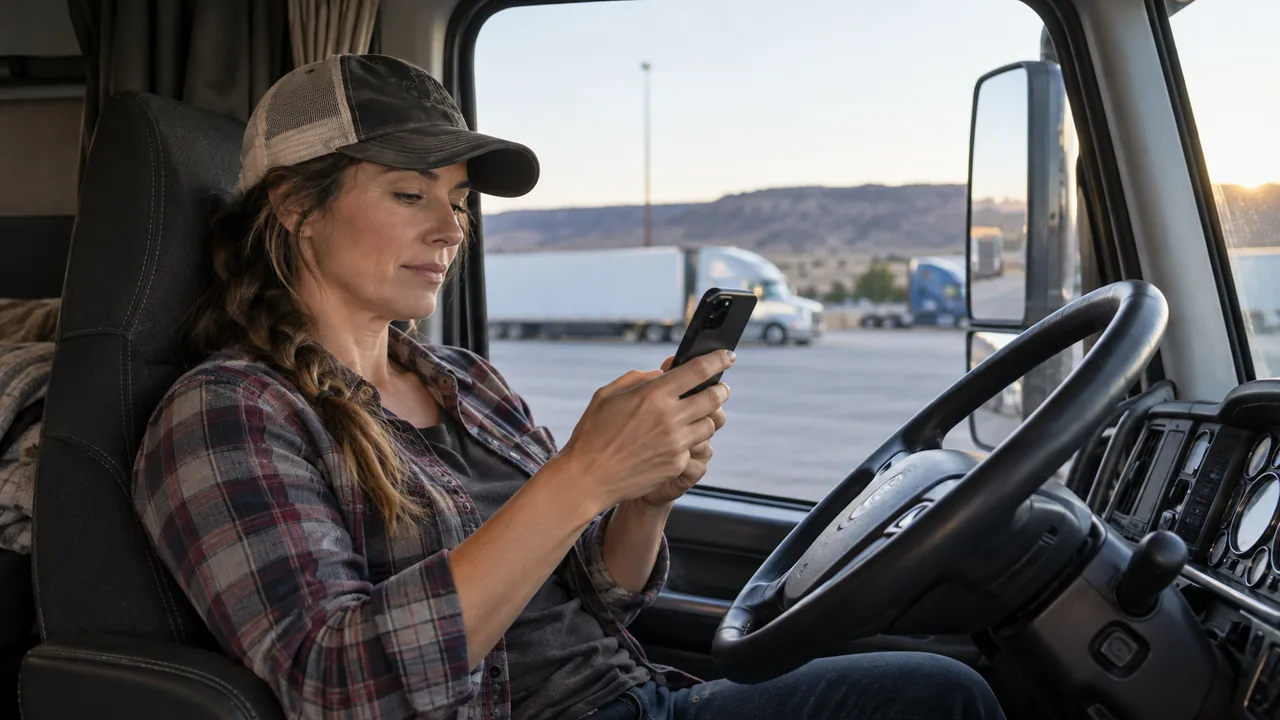
A privacy routine should also fit a safe work routine. Prepare captions, review images, and answer messages while parked. Do not attempt to manage a public account from behind the wheel, even when traffic appears slow or the phone is mounted. A missed message can wait until the next safe stop. Set expectations with friends and followers so that delayed replies do not create pressure to interact during a driving shift.
Before returning to the road, close social applications and restore the device to its intended navigation or work role. At the end of a trip, review recent posts for details that no longer need to remain public. Remove unnecessary access from old applications and accounts you no longer use. The goal is not to eliminate sharing. It is to make sharing intentional: useful stories, an appropriate audience, less unnecessary location exposure, and account settings that support the life you actually want to keep connected.